Web Interface Design: A Comprehensive Guide to Website Templates and Design Galleries
In the modern digital landscape, web interface design is the cornerstone of effective online presence. A well-crafted website template not only streamlines development but also ensures a cohesive and engaging user experience. This guide explores the essentials of website design templates, the role of design galleries, and how to leverage English templates for professional web interfaces.
1. The Significance of Website Templates
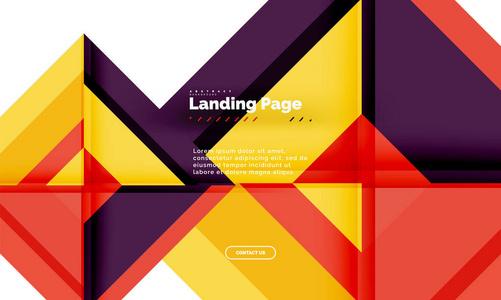
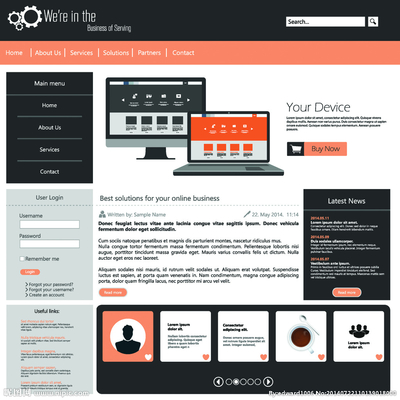
Website templates are pre-designed layouts that serve as a foundation for building web pages. They encapsulate structure, typography, color schemes, and interactive elements, allowing designers and developers to save time while maintaining high-quality standards. Templates cater to various industries, from e-commerce to portfolios, and are available in numerous styles, including minimalistic, corporate, and creative. By using templates, one can focus on content and functionality rather than reinventing the wheel with each project.
2. Design Galleries: A Source of Inspiration
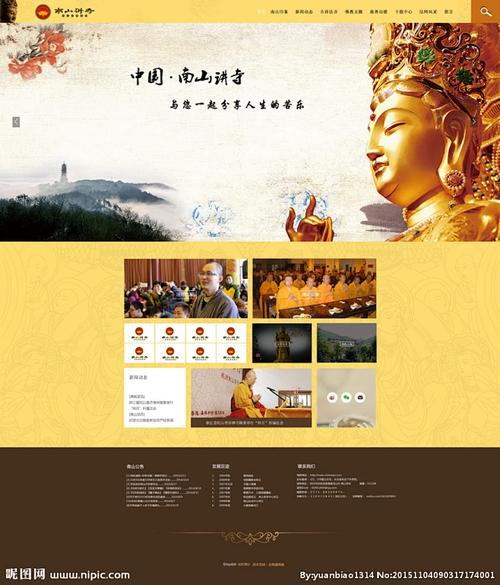
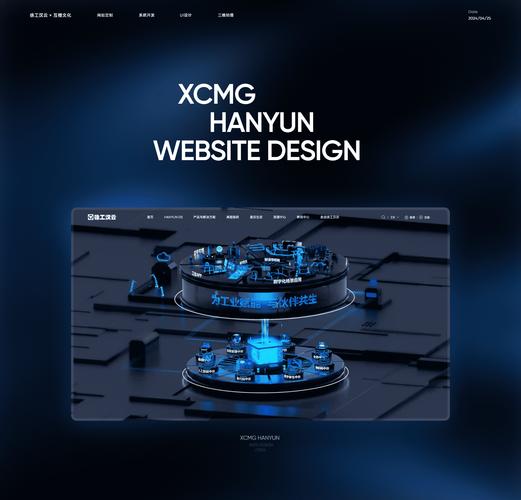
Design galleries curate and showcase exemplary web designs from around the world. Platforms like Dribbble, Behance, and Awwwards feature collections of web interfaces, providing a wealth of inspiration for designers. These galleries not only display aesthetic trends but also highlight innovative interactions and usability practices. Browsing through a design gallery can spark creativity, help identify emerging styles, and offer practical solutions to common design challenges.
3. English Templates: A Global Standard
English templates are widely used due to their compatibility with international audiences and their alignment with best practices in web design. These templates often come with responsive layouts, SEO-friendly structures, and clean code. For developers, English templates serve as reliable starting points that can be easily customized. For businesses, they convey professionalism and accessibility to a global market, making them a preferred choice for corporate websites, blogs, and online stores.
4. Understanding Design Diagrams in Web Interface Design
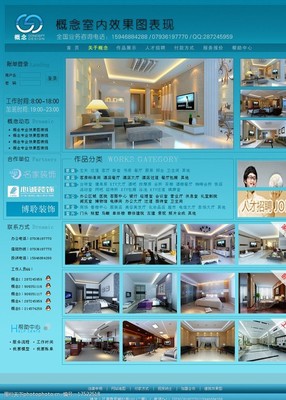
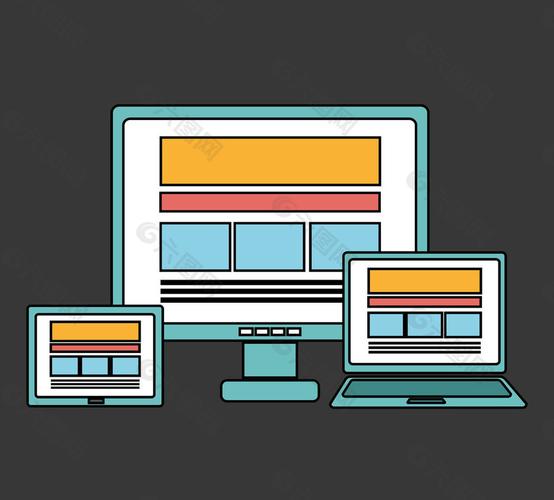
Design diagrams, also known as wireframes or mockups, are visual representations of a web interface. They outline the layout, placement of elements, and navigation flow before development begins. These diagrams are crucial for communicating design ideas among stakeholders and ensuring alignment with project goals. In the context of templates, design diagrams help users visualize how content will fit into the template and how the overall user experience will unfold. Tools like Figma, Sketch, and Adobe XD are commonly used to create and share these diagrams.
5. Choosing the Right Template for Your Project
When selecting a template, consider factors such as target audience, brand identity, scalability, and technical requirements. A template should not only look good but also perform well across devices and browsers. It's advisable to review the template's documentation, support options, and licensing terms. Additionally, ensure that the template’s code is semantic and accessible, which aids in search engine optimization and improves user experience for people with disabilities.
Conclusion
Effective web interface design relies on a combination of creative inspiration, structured templates, and thoughtful planning. By leveraging design galleries for ideas and English templates for robust foundations, designers can craft interfaces that are both visually appealing and functionally superior. Design diagrams act as the bridge between concept and execution, ensuring that the final product meets the needs of its users. Whether you are a seasoned professional or a novice, embracing these resources will elevate your web design projects to new heights.
最新产品